
Image MCP Server
Overview
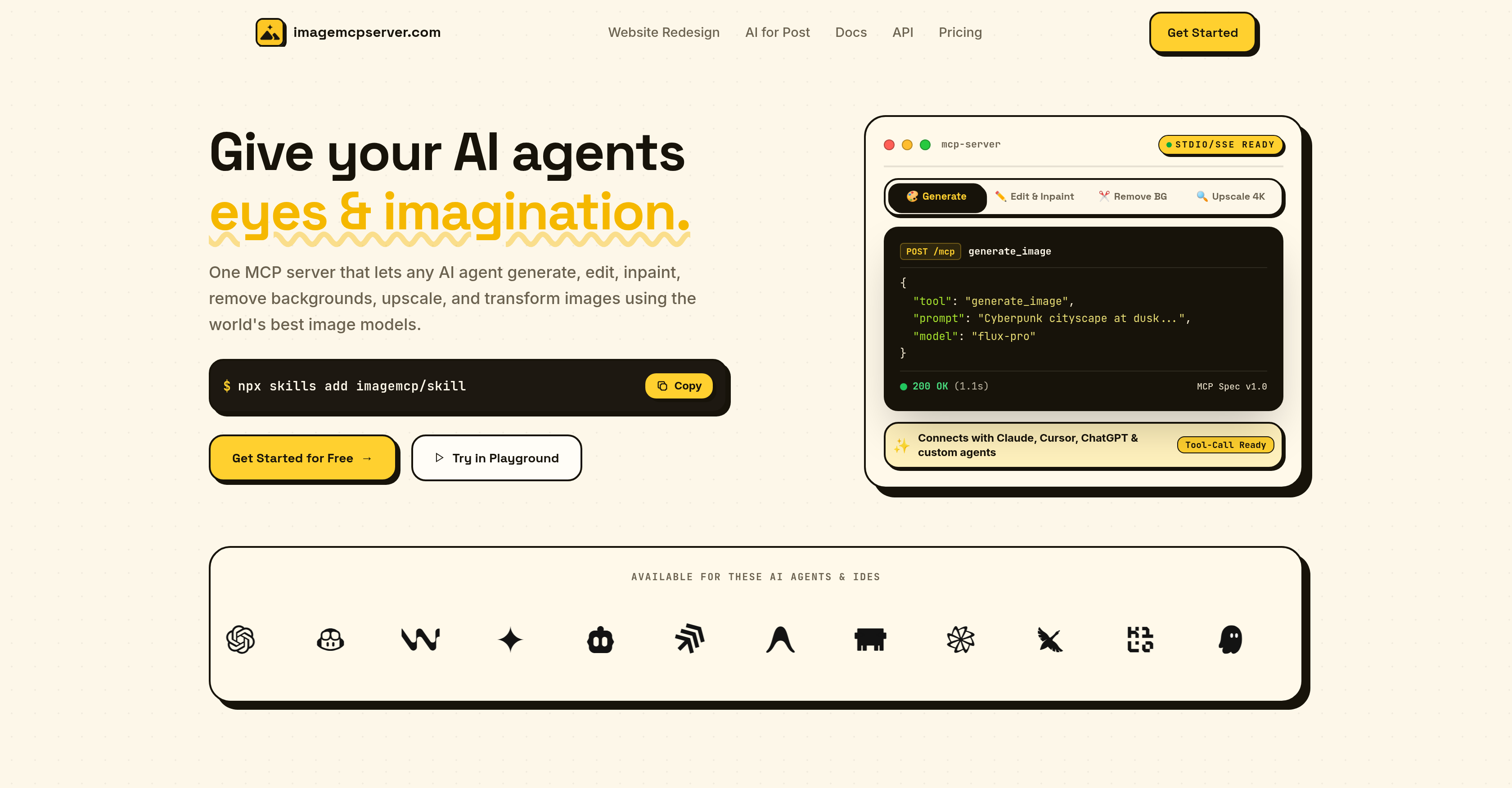
- Complete every stage of your AI image workflow without switching between separate services, using one server that handles image generation, inpainting, outpainting, background removal, and 4K upscaling through MCP integration.
- Restore missing or incomplete image details with AI inpainting that fills gaps for cohesive, polished image outputs.
- Extend images beyond their original borders with AI outpainting that adds contextual detail for fully realized, enhanced visuals.
- Isolate your primary subject instantly with background removal that eliminates distracting elements and emphasizes the main object.
- Transform lower-resolution images into highly detailed, clear visuals with 4K upscaling that raises quality to a professional standard.
- Coordinate complex, multi-step image workflows through a single centralized platform built on the Standard Model Context Protocol.
- Boost AI agent effectiveness with MCP integration that streamlines task coordination and simplifies image workflow management.
- Manage all image processing tasks in one server, eliminating fragmented tools and improving overall workflow productivity.
Pros & Cons
Pros
- Single server integration
- Covers various image applications
- Image generation feature
- Image inpainting feature
- Image outpainting feature
- Background removal option
- 4K upscaling capability
- Image quality enhancement
- Centralized image platform
- Standard Model Context Protocol
- Facilitates complex image workflows
- Fills in missing details
- Optimizes extra image details
- Isolates image's primary subject
- Eliminates backdrop distractions
- Clear, detailed visuals
- Improves image resolution
Cons
- Limited to MCP integration
- Possibly overwhelm single server
- No variety in techniques
- Reduced flexibility
- No specified error handling
- No fail-over mechanism
- No customization options
- Lacks advanced editing options
- Limited to 4K upscaling
- No task prioritizing functionality
Reviews
Rate this tool
Loading reviews...
❓ Frequently Asked Questions
Image Mcp Server is an AI tool that facilitates and manages the processes involved in artificial intelligence image workflows. It integrates multiple tasks into a single server by using the Standard Model Context Protocol (MCP). The server provides various image processing services such as image generation, inpainting, outpainting, background removal, and 4K upscaling.
The Standard Model Context Protocol (MCP) in Image Mcp Server is a system that allows integration of multiple tasks into a single server. This helps in creating a centralized platform for complex image workflows, enabling efficient management and processing of diverse image-related tasks.
Image Mcp Server manages image workflows by using the MCP to integrate several image processing tasks into one platform. This includes tasks like image generation, inpainting, outpainting, background removal, and 4K upscaling. It provides a centralized hub for managing all of these tasks.
Inpainting and outpainting in Image Mcp Server refer to the AI techniques used to add or alter details in an image. Inpainting is used to fill in missing image data while outpainting adds extra details to an image, thus contributing to a cohesive and enhanced output.
The function of background removal in Image Mcp Server is to isolate the primary subject of an image by eliminating unnecessary or distracting elements in the background. This feature helps in emphasizing the main object or subject in the image by removing potential distractions.
4K upscaling in Image Mcp Server works by improving the resolution of images to a 4K standard. This feature can enhance the overall quality of images, providing highly detailed and clear visuals even from a lower resolution image.
Image Mcp Server supports a variety of image processing applications. These include image generation, inpainting, outpainting, background removal, and 4K upscaling, supporting a comprehensive suite of tasks involved in image workflows.
Image Mcp Server enhances the effectiveness of AI agents by providing a centralized platform that enables efficient image workflow management. It integrates multiple tasks into a single server, thereby streamlining and simplifying the work of AI agents.
Image Mcp Server should be chosen for managing your image workflows as it offers a comprehensive array of image processing tools centralized in a single server. Its use of MCP integration allows it to handle various tasks efficiently, enhancing overall workflow productivity.
Image Mcp Server can handle complex image workflows through its use of the Standard Model Context Protocol (MCP). This allows it to integrate various image processing tasks within a single server, streamlining the process and making it more efficient.
Image Mcp Server handles multiple tasks in a single server using the Standard Model Context Protocol (MCP). This allows seamless coordination and facilitation of various image processing tasks, which leads to efficient workflow management.
Pricing
Pricing model
Paid
Paid options from
$10.01/unit
Billing frequency
Pay-as-you-go