Overview
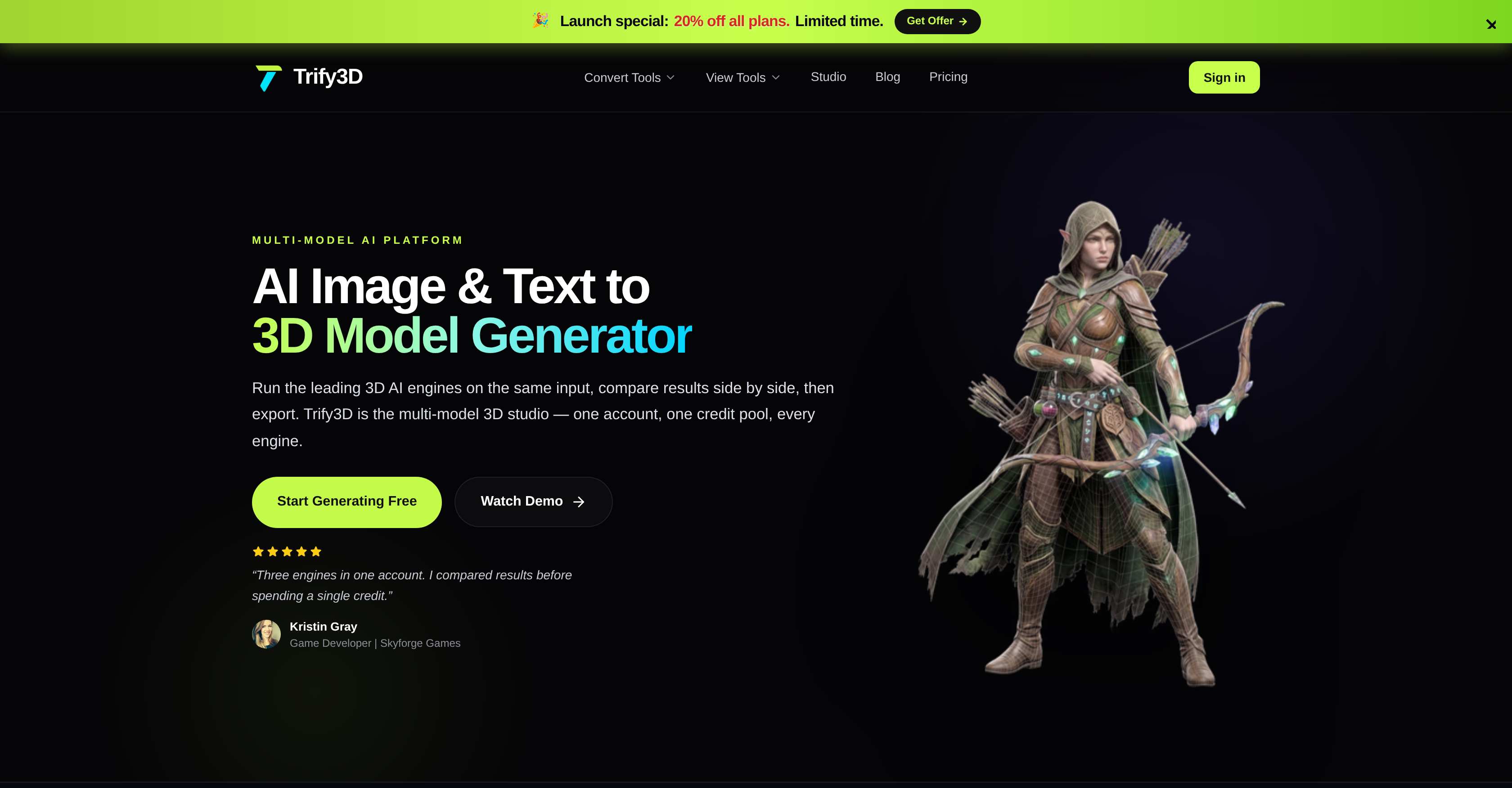
- Eliminate weak texturing and bad topology by running one input through multiple leading 3D engines side by side, so you select the best 3D model before committing
- Get a fully textured 3D model from a text description or uploaded image with no modeling skills required, turning your vision into game-ready or print-ready geometry in one pass
- Generate physically-based rendering (PBR) textures for any existing mesh with controllable style, material properties, and detail level for realistic, accurate renderings
- Export 3D models in GLB, glTF, OBJ, or STL formats to fit game development, 3D printing, and Roblox workflows without rework
- Preview every file type in built-in online viewers, removing the need to juggle multiple platforms or software to inspect conversion results
- Fine-tune style, material properties, and detail level on PBR texture generation so the final 3D model matches your exact design requirements
Pros & Cons
Pros
- Runs multiple 3D engines
- Side-by-side results comparison
- Solves weak texturing issues
- Corrects bad topology
- Supports multiple conversion formats
- User-friendly model creation
- Saves time on modeling
- PBR textures generation
- Control style, material properties
- Detail level control
- Supports game development
- Useful for 3D printing
- Supports Roblox modeling
- Exports GLB, glTF, OBJ, STL formats
- Online viewer for different file types
- One account, one credit pool
- Auto-retopology
- Supports natural language input
- Automatic UV wrapping
- 3D printing slicer compatibility
- Export and ship feature
- View 3D files privately
- View blender files without installing
- Export for Unity and Unreal
- Trusted by 18,000+ creators
- 4.8 average creator rating
- 1 account for every engine
- 3 powerful generation modes
- Text to 3D conversion
- Full albedo, normal, roughness, metallic map output
- Upload any image for 3D conversion
- Generates 3D from text prompts
- Image, Text to 3D conversion
- Generates PBR textures for any mesh
- Streamlined multi-model 3D studio platform
- Auto-retopology from image uploads
- Provides high fidelity detail capture
- FBX convert for game engines
- Simple pricing with generous free tier
- Provides credits-based access to 3 engines
- Generate-compare-export feature
- Ability to run multiple engines on single input
- Auto-retopology output runs smoothly in Unreal
- Suitable for commercial use
- Compatible with Unity, Unreal, Blender, Three.js.
Cons
- Requires Internet Connection
- No Android App
- No iOS App
- Limited Conversion Formats
- No Offline Mode
- Non-customizable UI
- No API Access
- No Integration with other apps
- Limited Supported Engines
- Lack of Extended Settings
Reviews
Rate this tool
Loading reviews...
❓ Frequently Asked Questions
Trify3D is a robust tool that transforms images and text into fully textured 3D models. It integrates with leading 3D engines, running the same input through all of them and enabling users to compare results, reducing the likelihood of error that comes with using a single tool. Its focus is on usability, efficiency, and a breadth of options for a smooth and comprehensive 3D modeling experience.
Key features of Trify3D include its ability to convert images and text into 3D models. It also supports multiple conversion formats and an array of online viewers for different file types. The platform employs multiple 3D engines on the same input for comparison of results. Trify3D further enhances its user-friendly interface with options to control features like style, material properties, and detail level. It additionally generates physically-based rendering textures for any existing mesh.
Trify3D employs leading 3D engines to convert images and text into 3D models. They execute the conversion simultaneously on the same input, allowing results comparison side by side. This dual approach aids in overcoming challenges that are typically encountered using a single tool, like weak texturing and bad topology. The user can describe what they envision or upload an image, and receive a fully textured 3D model.
Yes, with Trify3D, users can select which of the leading 3D engines they wish to run on a given input. This feature allows comparing results side by side to select the most suitable model, contributing to its user-friendly, time-saving appeal.
Trify3D supports multiple conversion formats including GLB, glTF, OBJ, and STL. This versatility makes it suitable for a range of projects and user requirements since it caters to different file type needs.
The online viewer on Trify3D provides users with the advantage of viewing different file types directly on the platform. This eliminates the need for multiple platforms or software to open different file types. Users can preview the results of their image or text conversion into 3D models, making it a convenient tool for 3D modeling.
Trify3D corrects bad topology in 3D models by strategically running the input image or text through multiple leading 3D engines. This gives users the opportunity to compare results side by side before settling on a choice. It mitigates issues that arise with using a single tool, such as weak texturing and incorrect topology, thereby improving the quality and accuracy of the resulting 3D model.
Trify3D is appropriate for various projects, including game development, 3D printing, Roblox modelling, and more. Its compatibility with multiple conversion formats like GLB, glTF, OBJ, or STL makes it adaptable and versatile for any project requirements in the realm of 3D modeling.
Yes, Trify3D offers options to generate physically-based rendering (PBR) textures for any existing mesh. This allows for textured renderings that are incredibly realistic and which accurately reflect the user's specific design requirements.
Trify3D offers granular control of style and material properties when generating PBR textures for any existing mesh. Users have the ability to fine-tune these parameters to ensure that the final 3D model closely matches their vision, enhancing its accuracy and realism.
Yes, Trify3D caters to Roblox modelling as it is capable of exporting 3D models in formats such as GLB, glTF, OBJ, or STL, all of which are compatible with Roblox's development tools.
Yes, Trify3D can export 3D models in OBJ format as well as GLB, glTF, and STL formats. This makes Trify3D a versatile tool suitable for a myriad of 3D modeling project requirements.
Physically-based rendering (PBR) in Trify3D refers to the generation of textures for any existing mesh that follow the laws of physics, leading to more realistic and detailed renderings. These textures consider factors like light reflection and surface roughness to render a 3D model that closely mirrors real-world visual dynamics.
Trify3D can export 3D models in various formats including GLB, glTF, OBJ, and STL. This range of formats makes it suitable for diverse projects, rendering engines, or even 3D printers.
Definitely. Trify3D is particularly useful for game development as it allows the creation of custom 3D models from text or image inputs. Its compatibility with multiple conversion formats, including GLB, glTF, and OBJ - that are commonly used in game engines - as well its capability to generate PBR textures make it an ideal tool for game developers.
By running multiple leading 3D engines on a single input simultaneously, Trify3D allows users to compare results side by side before making a selection, thereby effectively staving off common pitfalls associated with 3D modeling. Issues such as weak texturing and bad topology are mitigated, helping to ensure a more accurate and quality 3D model.
Yes, Trify3D provides the capability to control the detail level when generating physically-based rendering (PBR) textures for any existing mesh. This means users can fine-tune the level of detail in the final 3D model to suit their specific requirements.
Trify3D functions as a unified platform that streamlines the process by running multiple leading 3D engines on a single input, thereby removing the need to juggle multiple platforms for different 3D modeling tasks. This streamlined approach saves time and simplifies the user experience.
Yes, with Trify3D, users can compare results side by side. As it runs multiple leading 3D engines on the same input, users can easily contrast the outcomes prior to making a selection, ensuring they choose the most suitable result. This feature contributes to the platform's user-friendliness and efficiency.
Yes, one of the primary capabilities of Trify3D is to convert text into 3D models. The process involves typing out what you imagine in natural language. The AI then interprets the prompt and generates a 3D model complete with detailed geometry and PBR textures, requiring no modeling skills from the user.
Pricing
Pricing model
Free Trial
Paid options from
$15.83/month
Billing frequency
Monthly
Refund policy
No Refunds