Backlog.cloud
Overview
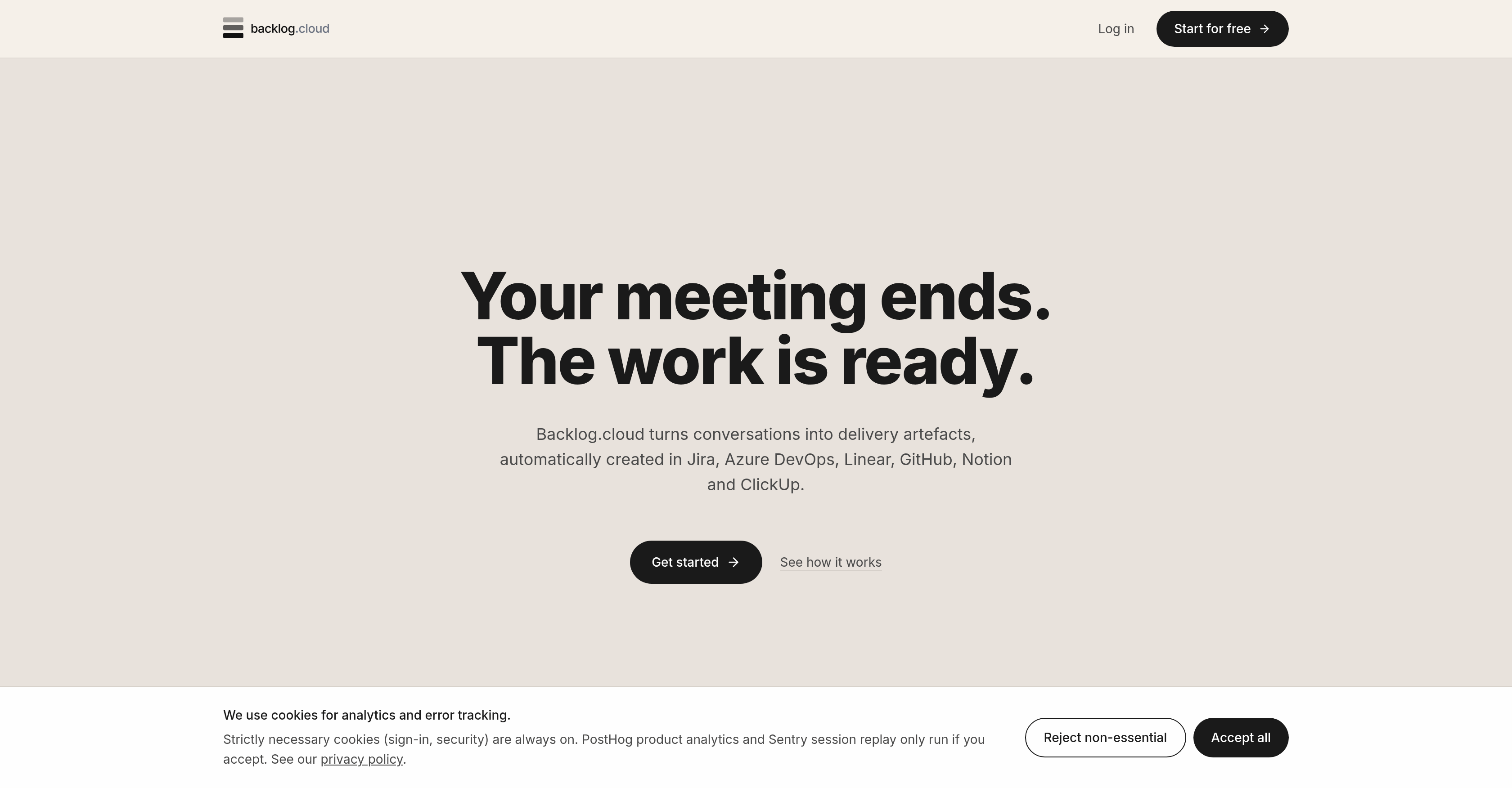
- Eliminate manual note-taking and follow-ups by converting every Zoom, Teams, or Google Meet conversation into actionable user stories, tasks, bugs, and decision notes automatically.
- Push meeting outcomes directly into Jira, Azure DevOps, Linear, GitHub, Notion, or ClickUp so work items land in your project management tools without copy-paste effort.
- Get accurate extraction for every Agile ceremony with AI that matches the meeting type—standup, planning, refinement, review, retro, kickoff, 1:1, incident review, and 26 total ceremony types—and tailors outputs accordingly.
- Select exactly the outputs your team needs—user stories, bugs, tasks, epics, spikes, or decisions—so every meeting produces only relevant work items.
- Verify every extracted item instantly with verbatim quotes and confidence ratings that show precisely where each task, bug, or decision originated in the conversation.
- Correct any misinterpretation before it reaches your backlog by editing extracted items before pushing them to work management platforms.
- Keep meetings on track with real-time AI coaching tailored to the specific ceremony requirements, guiding participants toward the right outcomes during the call.
- Close every meeting with a forward timeline of committed tasks and unclosed gaps, plus meeting minutes, RAID logs, and decisions for complete post-meeting clarity.
- Align your entire team with shared tasks and decisions captured automatically, reducing follow-up churn and keeping everyone updated on what was agreed.
- Plan and track actions efficiently using the post-meeting timeline of tasks and review items, improving time management across sprints and projects.
- Track bugs from conversation to backlog by extracting bugs during meetings and pushing them into your project management tools for immediate resolution.
- Access all product features on the free tier with usage volume limits, then scale to Pro and Team options for higher volumes, additional bot hours, and calendar auto-join.
Pros & Cons
Pros
- Virtual meeting translation
- Matches meeting type
- Tailors extraction method
- Allows output selection
- Provides verbatim quotes
- Offers confidence rating
- Allows item editing
- Pushes to work platforms
- Coaches during the call
- Provides forward timeline
- Offers free to pro tiers
- Transcribes Zoom meetings
- Transcribes Teams meetings
- Transcribes Google Meet meetings
- Can translate into tasks
- Can translate into bugs
- Can translate into user stories
- Connects with Jira
- Connects with Azure DevOps
- Connects with Linear
- Connects with GitHub
- Connects with Notion
- Connects with ClickUp
- Efficient meeting management
- Task allocation automation
- Generates project management minutes
- Live agenda tracking
- Per-meeting analysis
- Promotes team collaboration
- Improves time management
- Aids in bug tracking
- Supports Agile teams
- Useful for meeting-to-tasks transition
- Handles 26 types of ceremonies
- Verbatim extract option
- Generates Process Models
- Allows Dropbox upload for transcripts
- Allows whiteboard photo upload
- Allows output configuration (user stories, tasks, epics, etc.)
- Pro and Team tiers for extra bot hours and calendar auto-join
- Secured meetings (AES-256 and SOC 2 Type 2)
- Pre-meeting cheat sheet
- Meeting summaries with TLDRs
- Open loops tracking
- Coaching tips post-meeting
- Live coaching during calls
- Identifies missing participants
Cons
- Limited to certain platforms
- May misinterpret users' conversation
- Focused on specific ceremony type
- Confidence rating accuracy
- Extracted tasks may need editing
- Output selection may be limited
- Requires calendar or link integration
- Tailored extraction methodology
- Depends on quality of conversation
- Limited free tier capabilities
Reviews
Rate this tool
Loading reviews...
❓ Frequently Asked Questions
Backlog.cloud is an AI-powered tool that turns virtual meetings into actionable work items such as user stories, tasks, bugs, and decision notes. It also functions as a bridge, connecting conversations that occur during meetings with project management tools.
Backlog.cloud identifies the type of meeting (or ceremony) being held and applies a unique extraction method accordingly. For instance, actions from a standup meeting might not be translated into epics. The software actively coaches users during the call, based on what is required for the identified type of meeting or ceremony.
Backlog.cloud integrates with various project management platforms including Jira, Azure DevOps, Linear, GitHub, Notion, and ClickUp.
Yes, Backlog.cloud supports 26 different types of meetings or ceremonies, each having a unique extraction method including standup, planning, refinement, review, retro, kickoff, 1:1, incident review, and many more.
Yes, users can choose the outputs they require from Backlog.cloud, including user stories, bugs, tasks, epics, spikes, and decisions.
Each item extracted by Backlog.cloud comes with a verbatim quote, meaning it is directly taken from the conversation that occurred during the meeting.
Backlog.cloud assigns a confidence rating for each extracted element. This is an AI-determined measure of how likely it is that the element was interpreted correctly, although the specific calculation method is not disclosed on the website.
Yes, any items that are deemed incorrect by users can be edited before pushing them to the selected work management platforms.
Yes, Backlog.cloud allows customization of the type of meeting focus during a call to tailor requirements to specific meeting types.
Yes, at the end of each meeting, Backlog.cloud provides a summary that includes a forward timeline of committed tasks and unclosed gaps, along with the meeting minutes, RAID logs, decisions, and more.
Backlog.cloud offers varied usage options ranging from a free tier to Pro and Team options, each providing increased capabilities.
The free tier of Backlog.cloud includes all product features but has limitations on usage volumes.
The Pro and Team options of Backlog.cloud offer increased capabilities including higher usage volumes, additional bot hours, and features like calendar auto-join.
AI is integral to all core functions of Backlog.cloud. It's used to translate meeting conversations into practical work items, determine the type of meeting being held and apply the correct extraction method, generate a confidence rating for each extracted item, and coach users during the meeting.
Backlog.cloud eases task allocation by automatically translating meeting conversations into actionable tasks, and then pushing these tasks into users' chosen work management platforms.
Backlog.cloud enhances team productivity by automating the translation and extraction of tasks from meetings, reducing the need for manual note-taking and follow-ups.
Backlog.cloud fosters team collaboration by keeping all team members aligned and updated with tasks and decisions made during meetings.
Backlog.cloud helps with time management by providing a post-meeting timeline of tasks and review items, enabling teams to plan and track their actions efficiently.
Yes, Backlog.cloud can aid in bug tracking by allowing the extraction of bugs from meeting conversations, which can then be pushed into project management tools.
For Agile teams, Backlog.cloud provides AI-driven real-time coaching during meetings according to the Agile ceremony being held. It also translates meeting conversations into various Agile-centric outputs such as user stories, epics, and tasks.
Pricing
Pricing model
Free Trial
Paid options from
$24.30/month
Billing frequency
Monthly