Dragon Notes
Overview
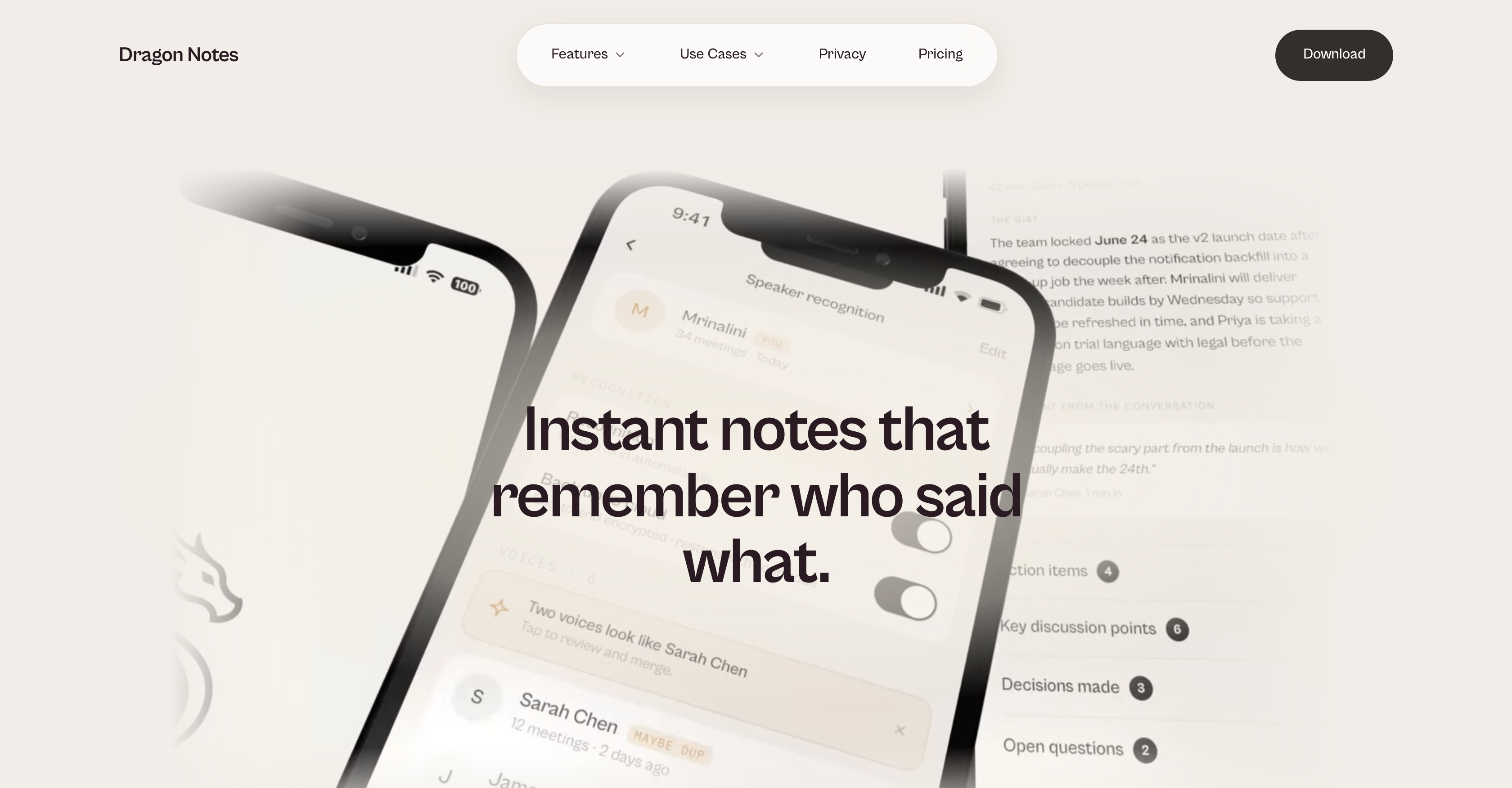
- Stay fully present in every meeting, call, and appointment by letting AI audio recording and instant speech-to-text transcription capture the conversation while you focus on the discussion
- Recall who said what across every interaction using network maps that recognize and remember context, relationships, and topics over time
- Review every conversation as readable notes and summaries on iOS, Android, and macOS, with Windows and Apple Watch support coming soon
- Keep sensitive discussions private with audio records stored on the device that captured them, encrypted notes synced only to your account, and optional local processing that keeps meeting audio off external servers
- Document client calls, decision-making, and follow-ups in professional settings with automatic transcripts that turn verbal conversations into a searchable record
- Track healthcare appointments with doctors, trainers, therapists, and specialists through readable notes you can refer back to at any time
- Manage multiple conversations as a founder, consultant, coach, manager, partner, or parent with a reliable system for recalling what was said and by whom
- Connect patterns across many conversations using a memory companion that builds a bigger-picture understanding of your spoken world
Pros & Cons
Pros
- Immediate transcription conversion
- Accessible on various devices
- Network maps of conversations
- Understands context over time
- Data encryption for privacy
- Local processing option
- Cross-platform use
- Applicable to work and personal
- Supports multiple conversation types
- Mobile-first technology
- Who said what feature
- Private by design
- Affordable subscription plan
- Remembers people and connections
- Tracks patterns across conversations
- Notes sync to account
- Transcript and summary output
- Instant note generation
- Supports iOS, Android, macOS
- Windows and Apple Watch support soon
- Useful for founders, managers, parents
- Helpful in healthcare appointments
- Local processing for data protection
- Meeting recorder and note-taker
- Facilitates focusing on conversations
- Memory companion feature
- Remembers context across conversations
- Recalls the broader picture
- Recognize and remember relationships
- Mapping spoken world context
- Searchable memory feature
- Understanding your people
- Professional and Personal Use
- Mind as primary record keeper
- Conversation analytics capability
- Transparent pricing model
- Privacy protection at core
- Designed for context-heavy lives
- Individual user account encryption
- Compatibility for health appointments
- Meeting-specific recall capabilities
- Seamless note-capturing experience
- Records verbal interactions
- Tool for life administration
- Instant note conversion
- Support for voice notes
- Remote work utility
- Meeting decision record
- Conversation context tracking
- On-device audio recording
- Encrypted note sync
Cons
- No live support
- Limited platform support
- Not fully voice-activated
- Lacks offline functionality
- Limited storage for free
- High accuracy required
- No multilingual support
- No collaboration feature
- Subscription model expensive
- Windows version not yet available
Reviews
Rate this tool
Loading reviews...
❓ Frequently Asked Questions
Dragon Notes is an AI tool that assists users in recording verbal conversations, meetings, calls, and appointments. The application is designed to convert audio into text transcripts instantly, allowing users to focus on the discussion at hand without the need to take notes manually. This helps users to understand and recall the broader context of their spoken interactions.
Dragon Notes' transcription feature works through an inbuilt AI-powered speech-to-text converter. When a user records a conversation, meeting, or call, the tool immediately converts the audio into written format, creating an instant transcript.
Yes, Dragon Notes allows users to access their notes across various platforms, including iOS, Android, macOS, and eventually, Windows and Apple Watch.
Dragon Notes' 'Network Maps' feature creates visual representations of conversations. It recognizes and remembers the context, relationships, and topics over time, helping users understand the broader context of their conversations.
Dragon Notes ensures privacy by keeping audio records on the device that captured them. Moreover, it syncs encrypted notes to the user's account alone, and offers local processing for increased data protection.
Yes, Dragon Notes does offer local data processing. Users can opt for local processing for increased data protection, meaning the audio of your meeting never touches Dragon Notes' servers.
Absolutely, Dragon Notes is very applicable in professional settings. Users can use it for their work meetings, client calls, decision making, follow-ups, and any scenario where verbal conversation needs to be documented. It effectively records, transcribes and keeps track of everything said during these professional discussions.
Yes, Dragon Notes can definitely be used during healthcare appointments. This can include conversations with doctors, trainers, therapists, and specialists. Dragon Notes turns these conversations into readable notes that can be referred back to at a later date.
Dragon Notes is indeed helpful for managers and parents, in fact, any individuals who manage multiple conversations. It assists in keeping a record of verbal interactions, providing a reliable system to recall what was said and by whom in any scenario.
Yes, Dragon Notes is available for both iOS and Android. Users can download the app from their respective device's app store.
Dragon Notes is currently available for macOS. The Windows version is still in development and will be available soon.
Dragon Notes is designed for individuals who participate in extensive verbal interactions where key details need to be remembered. This includes founders, consultants, coaches, managers, partners, parents, and anyone whose brain is the unofficial system of record for what was said.
By being a 'memory companion', Dragon Notes serves as more than just a traditional note-taking tool. It generates a bigger picture understanding of the user's spoken world, recalling broader contexts and relationships over time. It helps users make connections and identify patterns across many conversations.
While audio recording is a major feature of Dragon Notes, it doesn’t stop there. It uses the audio recordings to create instant text transcripts. Furthermore, it builds 'Network Maps' that display context, relationships, and topics from conversations and remembers details to create a holistic understanding of your spoken interactions.
Dragon Notes handles conversation analytics by creating Network Maps of conversations. It recognizes and remembers contextual information, relationships, and topics over time. Dragon Notes can also track who said what, helping make future notes become more personal and useful.
Yes, Dragon Notes not only supports professional use but also the personal sphere. Be it family discussions, partner conversations or daily administrative tasks, Dragon Notes allows you to record and transcript all important spoken information in your personal life exchanges.
Yes, Dragon Notes is designed to provide a useful transcript and summary after a meeting. You can record a conversation or meeting, focus on it without worry about note-taking, and later walk away with an automatically generated transcript and summary.
Dragon Notes' speech-to-text conversion is powered by AI, making it reliably accurate. It instantly transforms spoken words into a clean note within seconds.
Dragon Notes handles note encryption by syncing notes to the user's account in encrypted form. This means only the user has access to their notes, ensuring privacy protection.
The Apple Watch version of Dragon Notes is in development and will be available soon. For now, notes made on other platforms can appear on the iOS app of Dragon Notes.
Pricing
Pricing model
Free Trial
Paid options from
$1.99/month
Billing frequency
Monthly