Overview
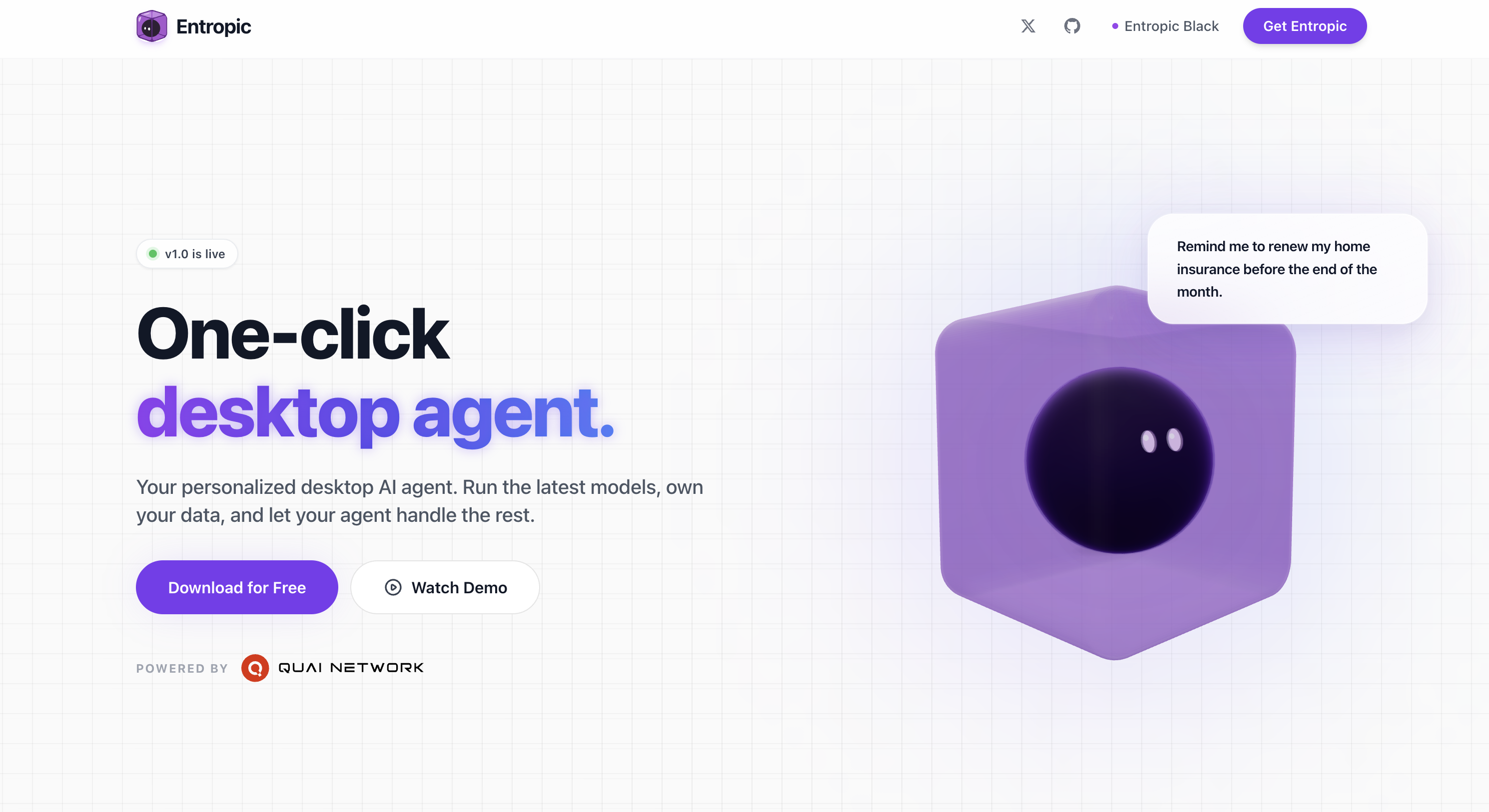
- Keep full ownership of your data with an isolated sandbox that ensures only the information you send to AI providers or connected integrations leaves your machine
- Run the latest AI models from OpenAI, Anthropic, Google Meta, and others while retaining complete control over your local files and system data
- Automate file management by reading, writing, editing local files and applying structured patches across entire projects without leaving your chat interface
- Manage Gmail and Calendar events directly from a unified chat platform, streamlining professional communication tasks in one place
- Integrate WhatsApp, Discord, Telegram, and iMessage to send and receive messages through the channels you already use
- Browse and summarize web content from inside the secure sandbox, pulling results directly into your chat flow for faster research
- Recall context from past interactions with persistent memory, building on knowledge over time for better personalization and continuity
- Schedule tasks to run in the background, letting the AI agent handle recurring work while you focus on other priorities
- Get started in minutes with one-click connections for email, calendar, and other apps, eliminating hours of technical setup
- Stay current and secure with automatic updates and security fixes that require no manual maintenance
- Work across macOS, Windows, and Linux with a desktop AI assistant built for secure, convenient, and efficient data handling
Pros & Cons
Pros
- Operates locally
- Secure data handling
- Automates tasks
- Web browsing capabilities
- Communication channel integration
- WhatsApp, Discord, Telegram, iMessage integration
- Operates within isolated sandbox
- File management capabilities
- Can manage Gmail
- Can manage Calendar events
- Persistent memory feature
- Enables scheduling background tasks
- Self updates
- Automatic security fixes
- Easy to implement
- Email compatibility
- Calendar compatibility
- Wide OS compatibility (macOS, Windows, Linux)
- Structured patches implementation
- Unifies professional communication
- Data stays on your machine
- One-click connections to apps
Cons
- Requires continuous integration
- No offline functionality
- No multi-language support
- Limited web browsing capability
- Limited to specific communication platforms
- Requires regular updates
- Complex file management tasks
- Structured patches may lack flexibility
Reviews
Rate this tool
Loading reviews...
❓ Frequently Asked Questions
Entropic is a sophisticated desktop AI assistant that operates locally on a user's computer. It is designed to offer secure, convenient, and efficient data handling, greatly automating tasks and processes. Entropic enables users to run latest AI models while maintaining full ownership and control of their data. This tool provides an array of functionalities including browsing and summarizing web content, integrating with popular communication channels, managing files, and handling Gmail and calendar events. Entropic also has a 'persistent memory' feature that allows it to recall past interactions and build upon its knowledge over time.
Entropic ensures data privacy by operating within an isolated sandbox on a user's machine. This setup secures personal files and system data. It guarantees privacy by ensuring that only the data sent to AI providers or the integrations a user connects leave their machine. This means, the files and workspace live on the user's machine, and the only data shared are the ones a user decides to send to the AI providers or the connected integrations.
Entropic offers a wide range of functions. It enables browsing and summarizing of web content, integration with popular communication channels, and management of files. It also manages Gmail and Calendar events directly from its chat interface, provides a platform for professional communication tasks, and has task automation features. A unique feature that Entropic offers is its 'persistent memory', allowing it to recall context from past interactions and build upon its knowledge over time. Additionally, it can schedule tasks to run in the background and automatically handles updates and security fixes.
Entropic is designed to run the latest AI models. However, the specific models it can run are not firmly disclosed on their website.
Entropic interacts seamlessly with leading AI providers such as OpenAI, Anthropic, Google Meta, among others. The specifics of this interaction are not explicitly provided on their website but it implies a functional integration that allows for efficient operation and data handling.
Entropic allows users to browse and summarize web content from inside the secure sandbox. This empowers users to pull results into the same chat flow.
Entropic can integrate with popular communication channels such as WhatsApp, Discord, Telegram, and iMessage. This allows users to send and receive messages through the platform they are already using. However, specific details of the integration process are not provided on their website.
Entropic offers file management capabilities that allow users to read, write, and edit local files. Further, it can apply structured patches across entire projects.
Yes, Entropic can manage Gmail and Calendar events. This is done directly from the chat interface, providing a unified platform for users to handle professional communication tasks.
Entropic's 'persistent memory' feature allows the AI agent to recall context from past interactions, enabling it to build on its knowledge over time. This functionality facilitates continuity in user interaction, offers better personalization, and enhances the value of ongoing conversations.
Yes, Entropic can schedule tasks to run in the background. This automation feature supports efficiency and productivity by letting the AI agent handle recurring tasks.
Entropic handles updates and security fixes automatically. This upkeep approach contributes to the tool's user-friendliness and efficiency, ensuring the tool always stays current and secure.
Yes, Entropic is designed to be easy to implement. It is prepared for use with email, calendar, and other apps, all available via one-click connections, thus negating the need for hours of technical setup.
Yes, Entropic is compatible with email and calendar apps. It comes prepared for use with such apps, offering a streamlined one-click connection process.
Yes, Entropic is compatible with various operating systems including macOS, Windows, and Linux.
Yes, Entropic allows users to apply structured patches across entire projects. This is part of its file management functionalities.
Yes, Entropic ensures that only the data a user sends to AI providers or integrations leaves their machine. This is part of its commitment to prioritizing user's privacy.
Entropic differs from other AI tools in several ways. It operates locally on a user's machine, ensuring data privacy and security. It has a range of functionalities including web browsing capabilities, integration with various communication channels, Gmail and Calendar management, and a 'persistent memory' feature. Moreover, it is designed to be user-friendly and efficient, eliminates the need for complex technical setups, and automatically handles updates and security fixes.
No, Entropic does not require any lengthy technical setup. It is designed to be easy to implement, and comes prepared for use with email, calendar and other apps via one-click connections.
Yes, Entropic can be used for professional communication tasks. It integrates with popular communication channels like WhatsApp, Discord, Telegram, and iMessage, and also aids in managing Gmail and calendar events directly from the chat interface.
Pricing
Pricing model
Paid
Paid options from
$0.09/unit
Billing frequency
Pay-as-you-go