Overview
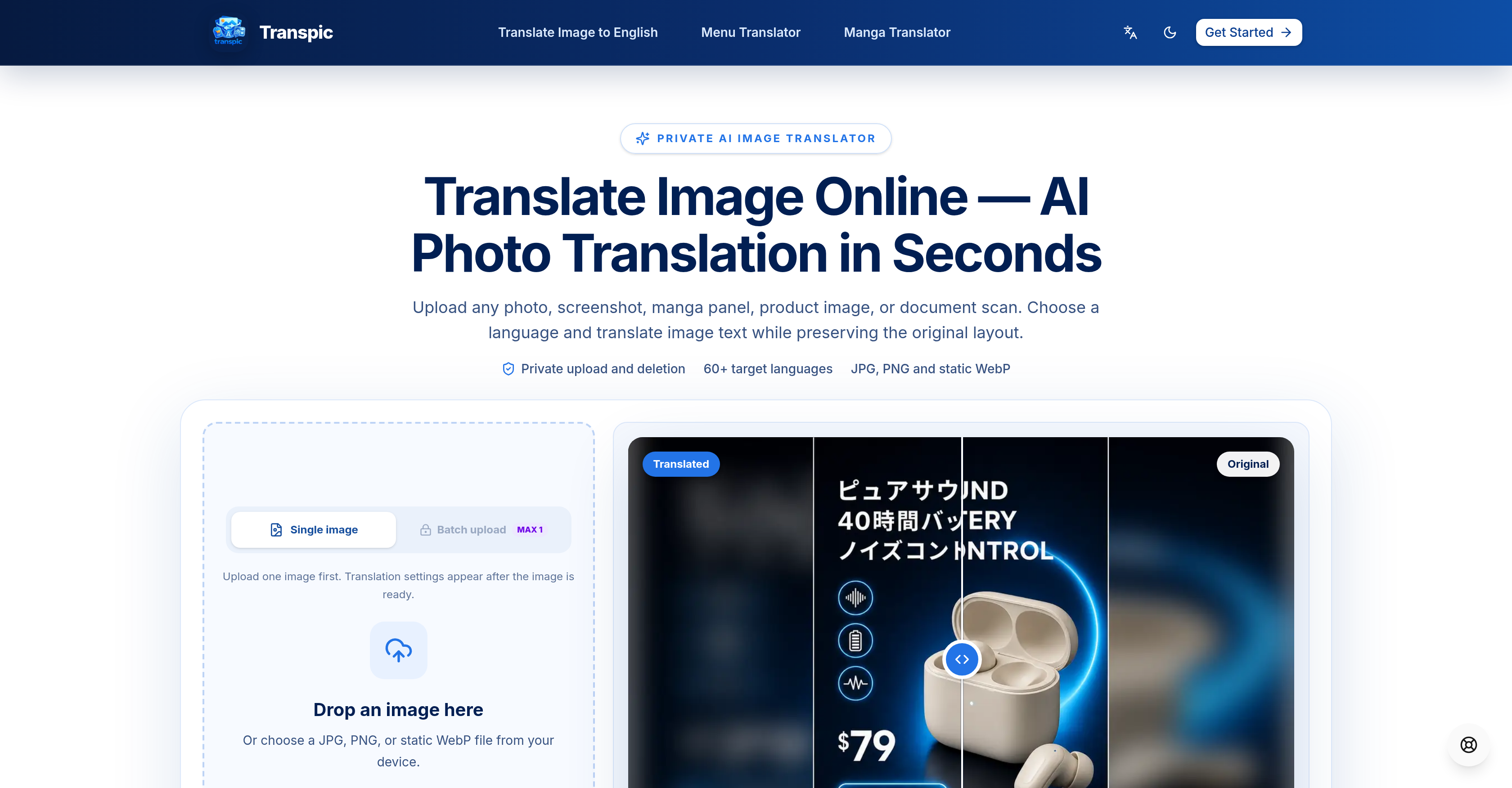
- Translate text in photos, screenshots, and product images across 60+ languages without losing the original layout, using AI that keeps every sign, label, and callout in its exact position.\nExport manga pages, e-commerce graphics, and scanned documents at the original uploaded dimensions and resolution, so translated images drop straight into your existing workflow without resizing.\nVerify every translation instantly with a side-by-side comparison slider that lets you check translated text against the original layout before you commit.\nFine-tune any translated text block directly in the editor—adjust wording, size, color, or placement—then save your edits before exporting the final image.\nProtect sensitive material with private storage and short-lived access URLs, meaning uploaded images are never published publicly or stored permanently on the servers.\nTranslate entire batches of images at once instead of one file at a time, cutting turnaround time for multi-page projects like manga chapters and product catalogs.\nMatch the translation to the content with four dedicated modes—General, E-commerce, Manga, and Document—that preserve the hierarchy of product callouts, speech bubbles, and table rows.\nCapture and translate on the spot by taking a photo on a supported phone and translating it directly, no desktop step required.\nUse any paid plan for commercial projects without additional licensing, so translated manga, product images, and documents are cleared for client and business use.\nWork from JPG, PNG, or static WebP files without converting formats first, keeping image quality intact from upload to export.
Pros & Cons
Pros
- Supports 60+ languages
- Translates image text
- Retains original layout
- Translates various image types
- Supports JPG, PNG, WebP
- Preserves visual context
- Places translated text in original positions
- Allows manual intervention
- Private data storage
- Secure short-lived access URLs
- Allows editing post-translation
- Export at uploaded dimensions
- Visual comparison of translations
- Facilitates image-based language learning
- Verifiable text block translations
- Translates photos, screenshots, manga
- Translates product images, documents
- Adaptable to complex image textures
- Deals with tiny lettering
- Retains connection between text and visuals
- Private processing of uploads
- Deleted after job completion
- Supports batch upload
- Built for visual formats
- Allows translation review before download
- Ensures visual context retention
- Capable of global image translation
- Prevents permanent public publication
- Real before-and-after examples
- Multi-platform workflow
- Reviewable translated graphics
- Private image processing
- Layout-aware text detection
- Editable image translator
- Turns image into translated graphic
- Browser-based translation
- Supports E-commerce mode translation
- Capable of Manga mode translation
- Live result progress tracking
- Supports translation of product graphics
- Translations compareable to original layout
- Workflow supports different visual formats
- Retains translated text's spatial context
- Translates product headlines, feature callouts
- Translates prices, purchase prompts
- Handles short dialogue, speech bubbles
- Retains rows, columns, labels in document images
- Adjustable text size, color, placement
Cons
- Doesn't support PDF or Word
- Requires manual intervention occasionally
- Only static WebP supported
- Doesn't support animated images
- Privately stores users data
- Edit and export limits
- Watermark on free version
- Only accepts few file formats
- Might struggle with tiny lettering
- Might struggle with heavy textures
Reviews
Rate this tool
Loading reviews...
❓ Frequently Asked Questions
Transpic supports translation in over 60 languages.
No, Transpic currently does not support direct uploads of PDF or Word files.
Yes, Transpic retains the original layout when translating a manga page.
Transpic accepts JPG, PNG, and static WebP formats.
Yes, a standout feature of Transpic is the positioning of translated text blocks in their original places.
Yes, after translation, you can inspect individual text blocks, save edits and then proceed to export.
For images with tiny lettering, curved display type, heavy texture, or overlapping artwork, Transpic might require manual wording, size, color, or placement adjustments in the editor.
No, uploaded images are not stored permanently on Transpic's servers. They use private storage and short-lived access URLs for image processing.
Yes, Transpic does offer a batch upload feature for translating multiple images at once.
In Transpic, the mode you select reflects how the text is arranged in the source image. 'General' mode is for images with mixed text placement. 'E-commerce' mode translates product headlines, feature callouts, prices, and purchase prompts with the original hierarchy intact. 'Manga' mode is designed for manga pages' dialogue, speech bubbles, and panel-based reading context. 'Document' mode caters to tables, forms, reports, and scanned pages while retaining row, column, label, and numerical context.
Yes, you can download the final translated image at the uploaded dimensions and resolution.
Yes, images exported in the free version of Transpic carry watermarks.
The Starter plan of Transpic allows you to translate 20 images into 2 languages per month.
With any paid plan of Transpic (Starter, Pro, Studio), commercial usage of the translations is allowed without any additional licensing.
Yes, Transpic provides a comparison slider to review the translation against the original layout.
Transpic does provide a feature to take a photo on a supported phone and translate it directly.
For images with heavy textures or overlapping artwork, Transpic might require some manual intervention to ensure optimal text recognition quality.
Transpic uses private storage and short-lived access URLs for image processing. The source image is processed for the job instead of being published as a permanent public asset.
Pricing
Pricing model
Freemium
Paid options from
$8.26/month
Billing frequency
Monthly