Overview
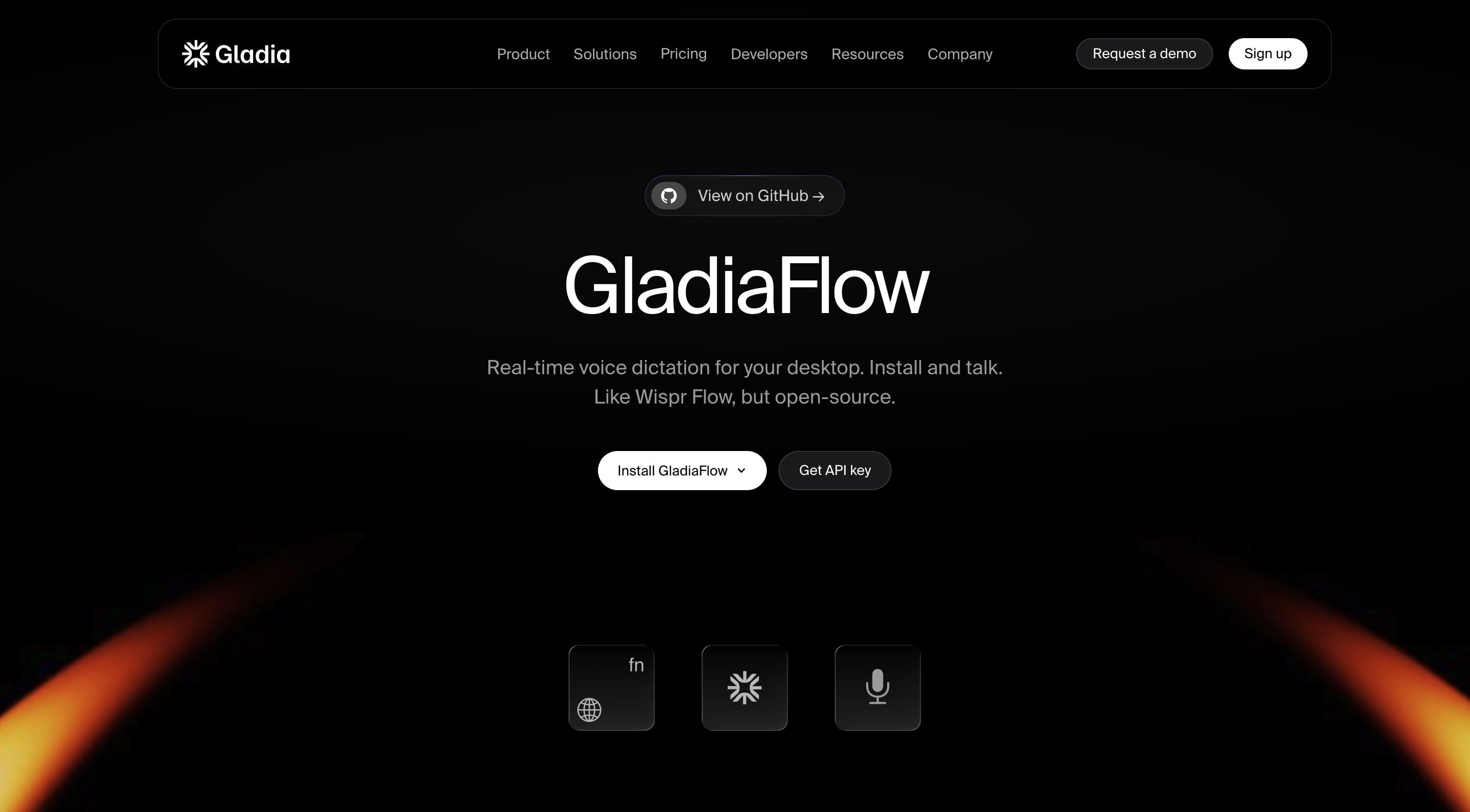
- Dictate at full speaking speed with zero lag using real-time voice-to-text transcription that streams directly to any focused field on macOS or Windows.
- Type in any application you already use by activating dictation with a hotkey in the active field, eliminating the need to switch between tools.
- Transcribe speech accurately across 100+ languages while switching languages mid-sentence without missing a beat.
- Capture names, acronyms, and industry-specific jargon correctly using a user-customized vocabulary that learns your world.
- Control costs with pay-per-use pricing instead of a recurring subscription, paying only for the dictation you actually use.
- Inspect, modify, or extend the tool by accessing the open-source code and building additional features on top of it.
Pros & Cons
Pros
- Open-source
- Desktop compatible
- macOS and Windows supported
- Voice to text streaming
- Compatible with many applications
- Works in any focused field
- Efficient transcription in 100+ languages
- Capable of mid-sentence language switching
- Allows user-customized vocabulary
- Cost-effective pay-per-use system
- No lag or waiting time
- User accessible source code
- Offers interaction with user's speech speed
- Industry jargon recognition
- Provides own API key usage
Cons
- Needs own Gladia API key
- Pay-per-use model
- Potential for high costs
- Requires understanding of open-source
- Streaming data to API
- Custom vocabulary user setup
- No mobile support
- Mid-sentence language switch reliability
Reviews
Rate this tool
Loading reviews...
❓ Frequently Asked Questions
GladiaFlow is an open-source real-time voice dictation tool for desktops. It converts spoken words into written text by streaming your voice to the Gladia API.
GladiaFlow operates by streaming your voice to the Gladia API, transforming your spoken words into written text in any field that's in focus when activated. Its unique feature allows for user-customized vocabulary to ensure proper understanding of names, acronyms, and industry-specific jargon.
GladiaFlow is compatible with both macOS and Windows systems. It works with a wide range of applications you're already using, able to turn your voice into text in any focused field.
To use GladiaFlow on macOS, you need to install it. You would then activate it with a hotkey in whichever field you're focused on, at which point it will start transcribing your speech into text in the active field.
Installing GladiaFlow on Windows would be similar to macOS. After installing the software, you just need to activate it in the field you're focused on and it will begin transcribing your speech into text.
Yes, GladiaFlow supports multiple languages in transcription. It's designed to adeptly handle switches in languages mid-sentence.
GladiaFlow can transcribe over 100 languages. Additionally, it's designed to handle switches in languages mid-sentence.
GladiaFlow has a pay-per-use pricing model. This means instead of a regular subscription, you are charged based on the amount you use, making it a more cost-effective solution for users.
GladiaFlow includes a unique feature that enables user-customized vocabulary. This enhances its understanding of names, acronyms, and specific industry jargon, helping it better learn your world.
Yes, GladiaFlow can recognize industry-specific jargon. It uses a user-customized vocabulary feature that enhances its recognition of names, acronyms, and industry terminology.
Yes, GladiaFlow supports mid-sentence language switching. It's designed to handle such switches seamlessly without missing a beat, providing effective transcription in over 100 languages.
The Gladia API is the core technology used by GladiaFlow to convert your spoken words into written text. You need to stream your voice to the Gladia API to use the tool.
To get your own Gladia API key, you need to create it in the Gladia dashboard.
Yes, you can check the source code of GladiaFlow. Due to its open-source nature, users can access the source code to understand its functionality or suggest improvements.
Yes, GladiaFlow does allow user interaction and improvements. Users can access the source code and suggest improvements due to its open-source nature. They can also add features on top of it if required.
There is no latency in GladiaFlow's real-time voice to text transcription. It's designed to keep pace with the user's speaking speed, offering no lag or waiting time.
Yes, GladiaFlow is compatible with a wide range of applications you're already using. This allows it to transform your voice into text in any focused field when activated.
GladiaFlow is designed to keep pace with the user's speaking speed. It does not lag or cause awkward pauses, nor do you need to wait for text to catch up. You just talk, and the text appears.
Yes, GladiaFlow is a cost-effective solution for real-time voice dictation. Instead of charging users a regular subscription, GladiaFlow charges based on use, which can potentially make it a more cost-effective choice for users.
Pricing
Pricing model
Freemium
Paid options from
$0.20/unit
Billing frequency
Pay-as-you-go
Refund policy
No Refunds