
SpeechTurbo
Overview
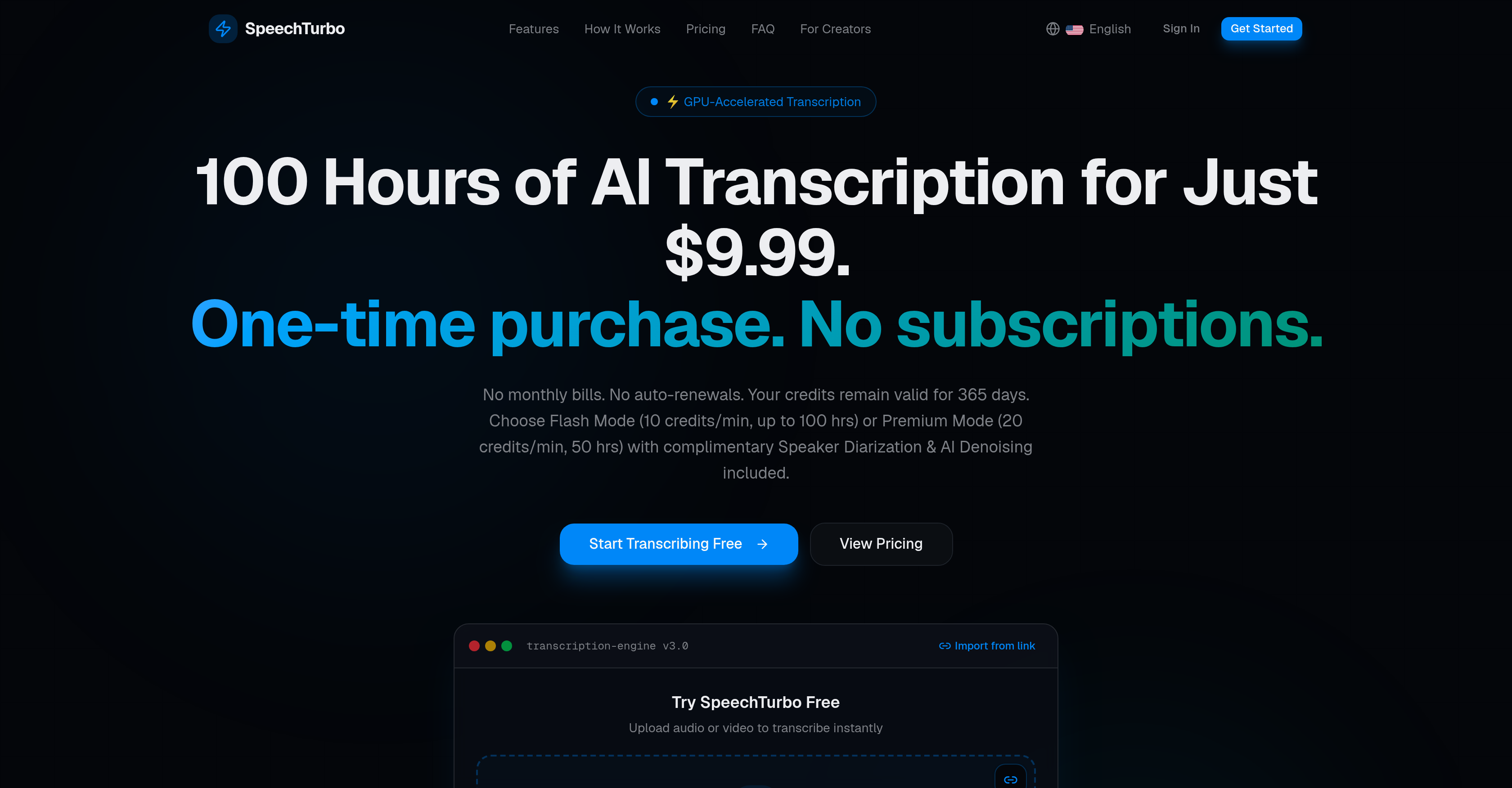
- Transcribe an hour of audio or video in under 80 seconds with GPU-accelerated transcription, so you never wait on drafts again.
- Capture up to 99.8% accurate transcripts in 98+ languages using dual AI engines that let you pick Flash Mode for speed or Premium Mode for maximum precision.
- Translate finished transcripts into 134+ target languages, turning one recording into global content without extra tools.
- Avoid recurring subscription traps by purchasing credits once and using them for 365 days with a strict per-second pay-as-you-go model.
- Process entire backlogs in one session by batch uploading up to 30 files at once from local storage, Google Drive, or Dropbox.
- Publish subtitles and documents immediately with clean exports in DOCX, PDF, SRT, VTT, CSV, and TXT formats.
- Protect sensitive recordings with HTTPS-encrypted uploads and automatic file deletion within 24 hours.
- Start risk-free with 3 hours of free transcription credits and test accuracy before spending anything.
Pros & Cons
Pros
- Excellent transcription accuracy
- GPU-accelerated transcription
- Batch processing option
- Supports multiple formats
- Cloud storage integration
- Transcription in 98+ languages
- Translation in 134+ target languages
- Credits valid for 365 days
- No auto-renewal fees
- Variety of output formats
- HTTPS-encrypted uploads
- Auto-deletion of original files
- User-friendly Interface
- Flash and Premium modes
- Import from Google Drive, Dropbox
- Supports MP3, MP4, M4A, MOV, AAC, WAV, OGG, FLAC formats
- Audio and video transcription
- Transcripts downloadable as DOCX, PDF, SRT, VTT, CSV, TXT
- No subscription fees
- One-time purchase options
Cons
- No mobile app
- Limited batch upload
- 24-hour file deletion
- Credits usage unclear
- Requires cloud storage for imports
- Short validity of credits (365 days)
- Limited translation for non-VIP
Reviews
Rate this tool
Loading reviews...
❓ Frequently Asked Questions
SpeechTurbo is an AI-powered tool designed to transcribe audio and video to text. It utilizes advanced AI speech recognition technology to promise excellent transcription accuracy. This tool supports a wide range of audio and video formats, includes features such as GPU-accelerated transcription and customization options like batch processing, and offers multiple export formats for transcriptions.
SpeechTurbo supports a vast range of formats including MP3, MP4, M4A, MOV, AAC, WAV, OGG, FLAC.
SpeechTurbo works in a three-step process. First, users upload audio or video files, which can be done either locally or by importing from cloud storage. Next, using GPU-powered AI technology, the engine transcribes the content. Finally, users download their transcriptions in their preferred format or view them in SpeechTurbo's interactive transcript editor.
Flash Mode in SpeechTurbo is a type of service level for transcription. It offers fast transcription services at a rate of 10 credits per minute.
Flash Mode and Premium Mode in SpeechTurbo are two different levels of service. Flash Mode requires 10 credits per minute of audio, while Premium Mode costs 20 credits per minute but includes complimentary features like Speaker Diarization and AI Denoising.
SpeechTurbo prioritizes data security by encrypting all uploads through HTTPS. Furthermore, the original files are automatically deleted from their servers within 24 hours after transcription.
Yes, you can upload files from cloud storage in SpeechTurbo. It supports file import from Google Drive, Dropbox, and other cloud workflows.
SpeechTurbo's transcription accuracy can reach up to 99.8% depending on the clarity and quality of the audio or video being transcribed.
SpeechTurbo supports transcription in over 98 languages, catering to global users.
After transcription, users of SpeechTurbo can download their transcripts in formats such as DOCX, PDF, SRT, VTT, CSV, and TXT.
No, SpeechTurbo does not require a subscription fee. Users can make one-time purchases for credits that remain valid for 365 days.
SpeechTurbo uses a credit-based pricing model. Users purchase credits upfront and these are deducted per minute of audio. No subscription or auto-renewal fees are required and credits remain valid for use for 365 days.
In SpeechTurbo, the credits purchased remain valid for 365 days from the date of purchase.
Yes, users of SpeechTurbo can use batch processing as one of its customization options. They can upload up to 30 files at once.
The GPU-accelerated transcription in SpeechTurbo refers to the use of Graphics Processing Unit (GPU) technology to speed up the process of transcribing audio and video files to text.
Yes, VIP users of SpeechTurbo can further translate their transcriptions into more than 134 different target languages.
The maximum file size limit for uploading to SpeechTurbo depends on the user's level. An anonymous user can upload a file up to 1GB, a free registered user can upload up to 2GB, and a Pro user can upload a file up to 4GB, up to 8 hours in length.
SpeechTurbo, utilizing GPU-Turbo Speed, is capable of transcribing an hour of audio or video in under 80 seconds.
After 24 hours of uploading, your original files are automatically deleted by SpeechTurbo as part of their data security measures.
You can upload up to 30 files at once in SpeechTurbo for batch processing.
Pricing
Pricing model
Free Trial
Paid options from
$9.99/unit
Billing frequency
Pay-as-you-go